
Download iMyPass iPhone Password Manager – free, secure & easy password recovery tool
iMyPass iPhone Password Manager is a free utility that lets iPhone owners retrieve, edit, export and share the passwords stored on their device. Whether you need to recover an Apple ID, Wi‑Fi credential, email login or any app‑vault password, iMyPass provides a simple, secure interface that works with the latest iOS releases. The app also offers one‑click CSV export, a dedicated support team and a high‑recovery rate thanks to modern decryption techniques. While the loading time can feel a bit sluggish on older devices, the overall reliability and security make iMyPass a trusted companion for anyone who wants a safe place to reset or back up passwords.
Key Features & Built‑In Security
- Full access to saved iOS passwords – Apple ID, iCloud, email, Wi‑Fi, app vaults, and more.
- One‑tap export to CSV for offline backup or easy sharing with trusted contacts.
- In‑app password editing and regeneration without leaving the iPhone.
- High recovery success rate using proprietary decryption algorithms.
- End‑to‑end encryption of exported files; no data is transmitted to external servers.
- Dedicated 24/7 support team to answer recovery questions and technical issues.
- Lightweight UI designed for quick navigation on iPhone and iPad screens.
- Regular updates that keep compatibility with the newest iOS versions.
Security is at the heart of iMyPass. The app never stores your passwords on its own servers; all operations happen locally on the device. Exported CSV files are encrypted with AES‑256 before they are saved to the Files app, ensuring that even if the file is intercepted, the data remains unreadable. Additionally, iMyPass requires Face ID or Touch ID authentication before granting access to the password vault, adding an extra layer of protection against unauthorized use. This combination of local processing, strong encryption, and biometric gating makes the tool a safe choice for personal and professional password management.
Installation, Usage & Compatibility
Step‑by‑step installation
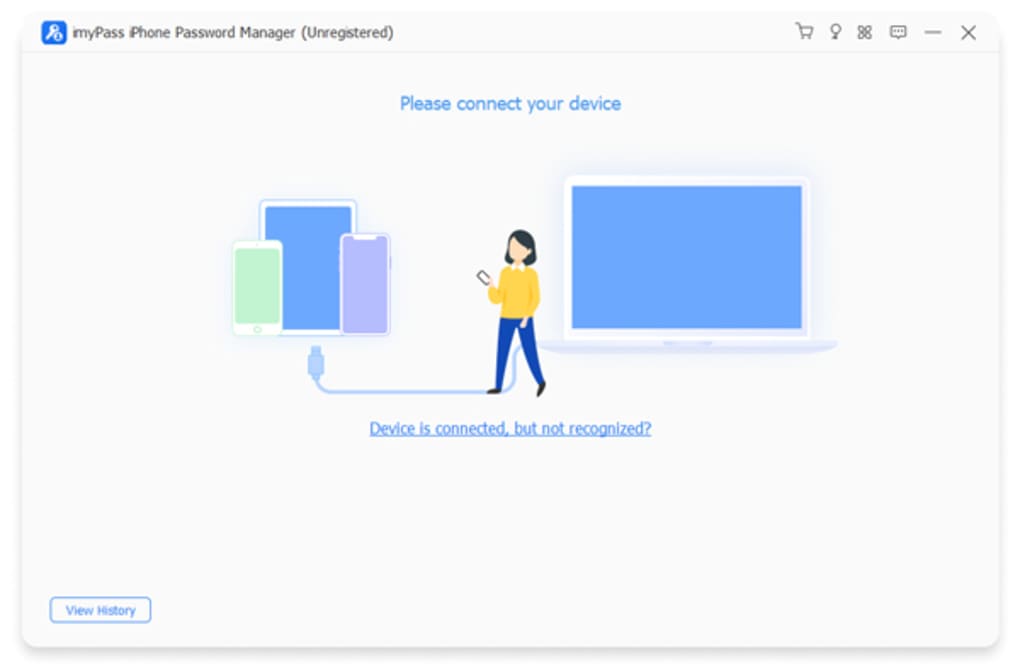
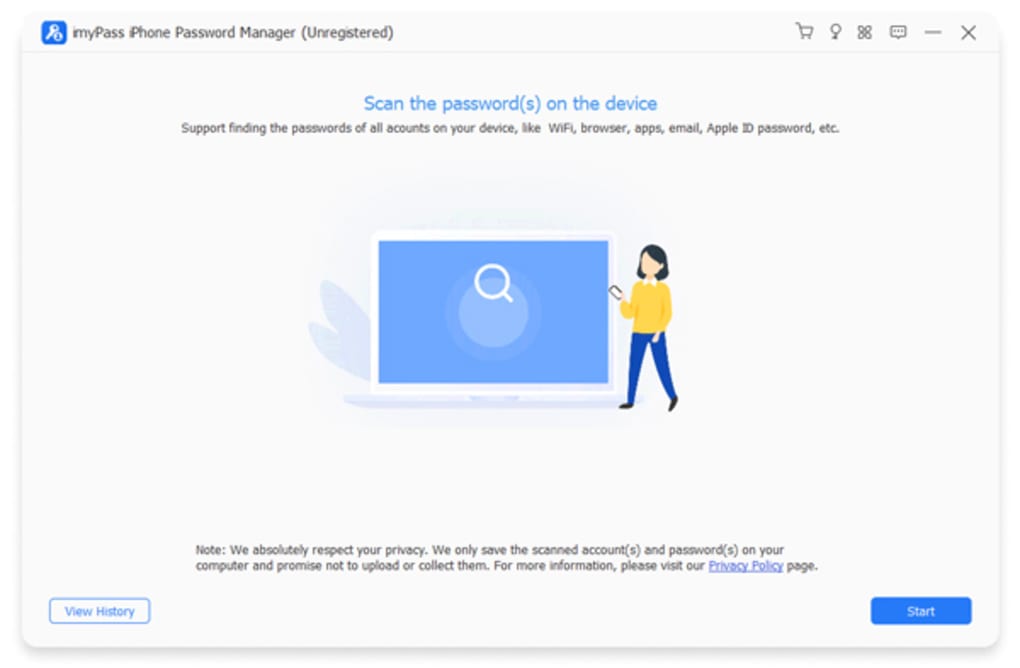
Getting iMyPass on your iPhone is straightforward. Open the App Store, search for “iMyPass iPhone Password Manager,” and tap Get. The app is free, but you may be prompted for your Apple ID password or Face ID verification. Once installed, launch the app and grant it access to your device’s stored passwords when the iOS permission dialog appears. This permission is required for the app to read the keychain entries that hold your saved credentials.
How to recover and export passwords
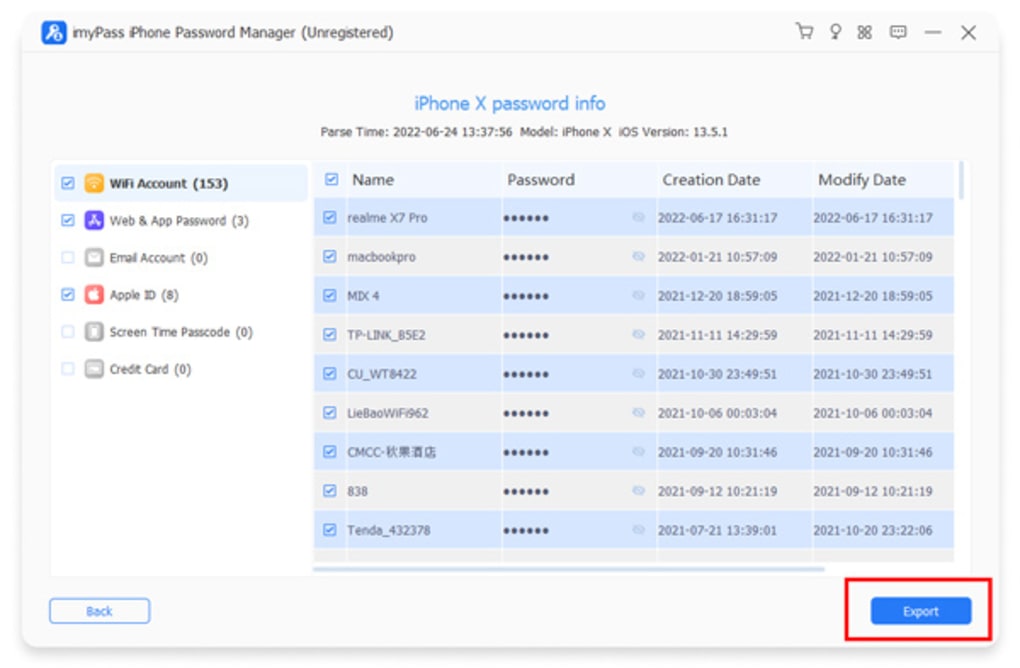
After the initial setup, the main dashboard displays a categorized list of saved passwords. Tap any entry to view details, edit the password, or copy it to the clipboard. For bulk operations, use the Export button at the bottom of the screen; the app will generate a CSV file, encrypt it, and store it in your Files app under a folder named “iMyPass Exports.” You can then share this file via AirDrop, email, or cloud storage while maintaining its encrypted state.
Device compatibility
iMyPass supports iOS 13 and later, including the latest iOS 17 release. The app runs smoothly on iPhone SE (2nd gen) and newer models, as well as iPadOS devices that share the same ecosystem. While the UI adapts to both portrait and landscape orientations, older hardware may experience longer launch times due to the intensive keychain scanning process.
Overall, the installation process takes less than two minutes, and the usage flow is intuitive enough for users with minimal technical background. The only notable drawback is the occasional delay when opening the app on devices with limited RAM, but this does not affect the core functionality once the app is fully loaded.
Pros, Cons & Frequently Asked Questions
Pros
- Completely free with no hidden subscription fees.
- Local processing ensures that passwords never leave the device.
- Export to encrypted CSV makes backup and sharing simple.
- Supports all major password types stored in iOS keychain.
- Biometric lock adds an extra security layer.
- Responsive support team ready to help with recovery issues.
Cons
- Initial loading time can be slow on older iPhone models.
- No cloud sync; passwords remain device‑bound unless manually exported.
- Limited customization of the UI compared with premium password managers.
FAQ – iMyPass iPhone Password Manager
Is iMyPass safe to use for my Apple ID password?
Yes. The app accesses the keychain locally and never transmits your Apple ID or any other credentials to external servers. All exported files are encrypted with AES‑256.
Can I sync passwords between multiple iPhones?
iMyPass does not offer built‑in cloud sync. To share passwords across devices, you must export the encrypted CSV and import it manually on each device.
What iOS versions are supported?
The app runs on iOS 13 and newer, including iOS 17. Older iOS versions are not supported.
Do I need to jailbreak my iPhone to use iMyPass?
No. iMyPass works on non‑jailbroken devices using the standard iOS keychain APIs.
How does the support team help with password recovery?
Support can guide you through the export process, explain how to decrypt the CSV, and provide troubleshooting steps if the app fails to read certain keychain entries.
Overall Rating: 4 out of 5 stars – iMyPass offers a solid, free solution for iOS password recovery, with minor performance hiccups on legacy hardware.
Conclusion & Call to Action
iMyPass iPhone Password Manager stands out as a free, secure, and user‑friendly tool for anyone who needs to retrieve or back up passwords stored on an iPhone. Its local‑only processing, biometric lock, and encrypted CSV export give peace of mind while keeping the workflow simple. Although the app can be a bit slow to launch on older devices, the reliability of password recovery and the responsive support team outweigh this drawback for most users. If you’re looking for a trustworthy way to reset locked accounts, export credentials, or simply keep a backup of your iOS keychain, iMyPass is a highly recommended choice.
Ready to secure your passwords? Download iMyPass iPhone Password Manager now and start managing your credentials with confidence.







